Last Updated on October 14, 2026 by XDA Team
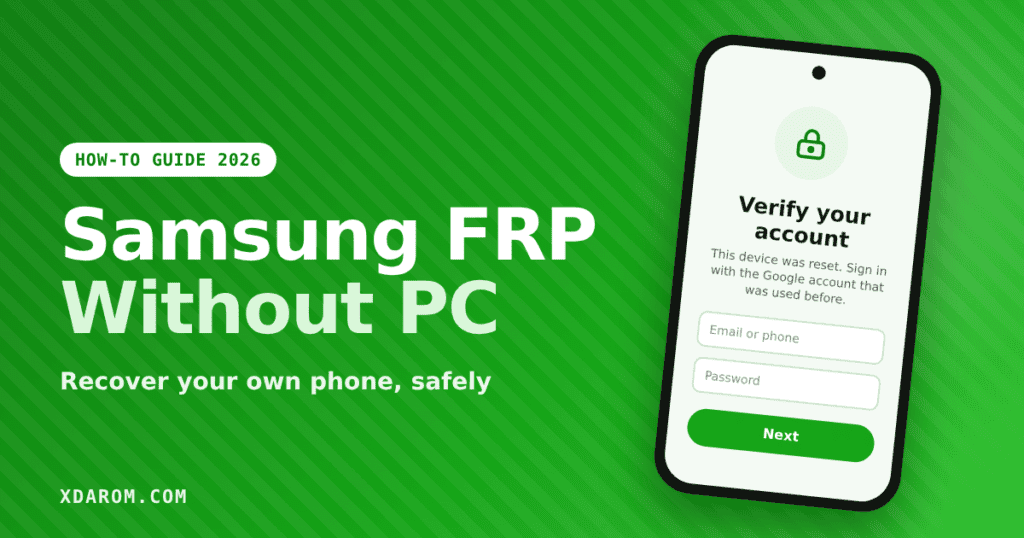
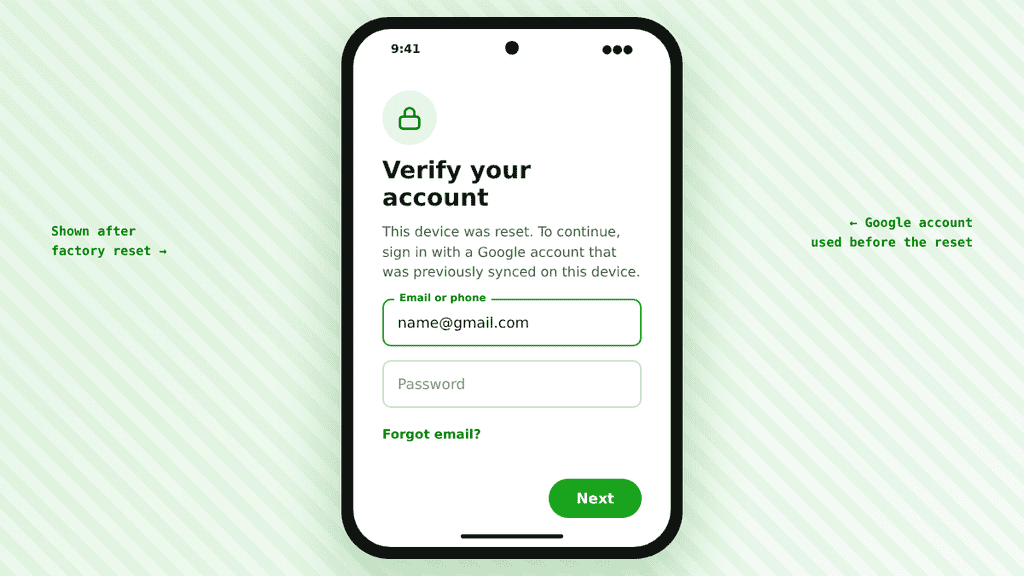
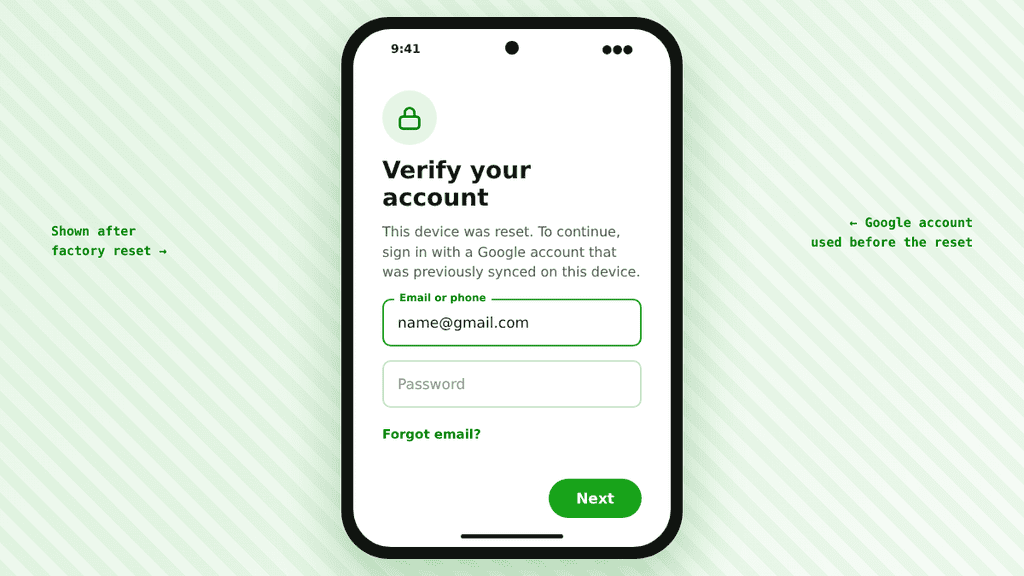
You reset your Samsung phone, and now it will not let you in. The screen says “Verify your account” and asks for the Google account that was on the phone before. This is Factory Reset Protection, or FRP, and it is a very common problem after a reset, a second-hand purchase or a forgotten password.
The good news is that if the phone is yours, you can usually get back in without a computer. This guide shows the safe ways to recover your own Samsung phone using only another phone and a few minutes.
What Is FRP on a Samsung Phone?
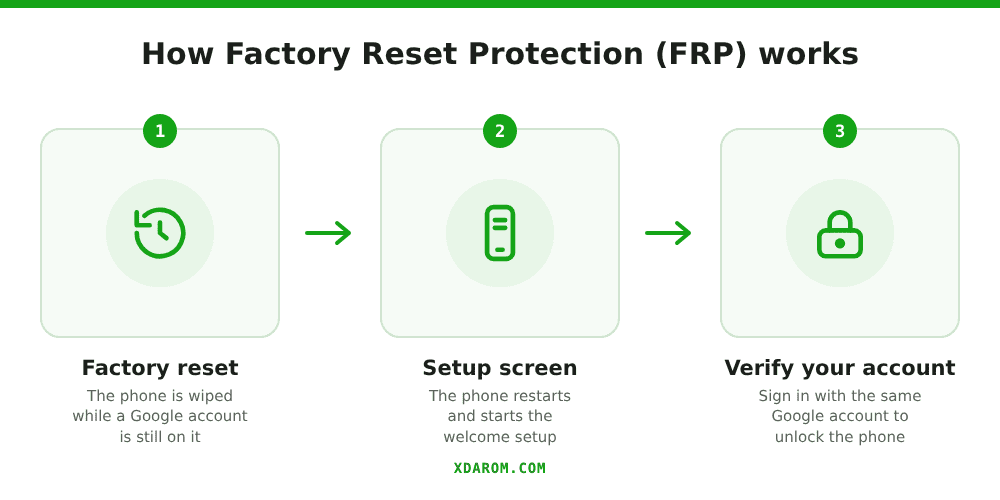
Factory Reset Protection is an Android security feature. When you add a Google account to your phone and then reset it, the phone asks for the same account on the next setup. This stops a thief from wiping a stolen phone and using it. It is built into Android 5.1 and newer, so every modern Galaxy phone has it.
Before You Start
- Make sure the phone really belongs to you. Keep your purchase invoice or box handy.
- Connect the phone to Wi-Fi so the sign-in screen can load.
- Find out which Google account (email) was last used on the phone. Check old emails from Samsung or Google Play.
- Charge the phone to at least 30%.
Method 1: Sign In With the Last Google Account
This works for most people and takes about two minutes.
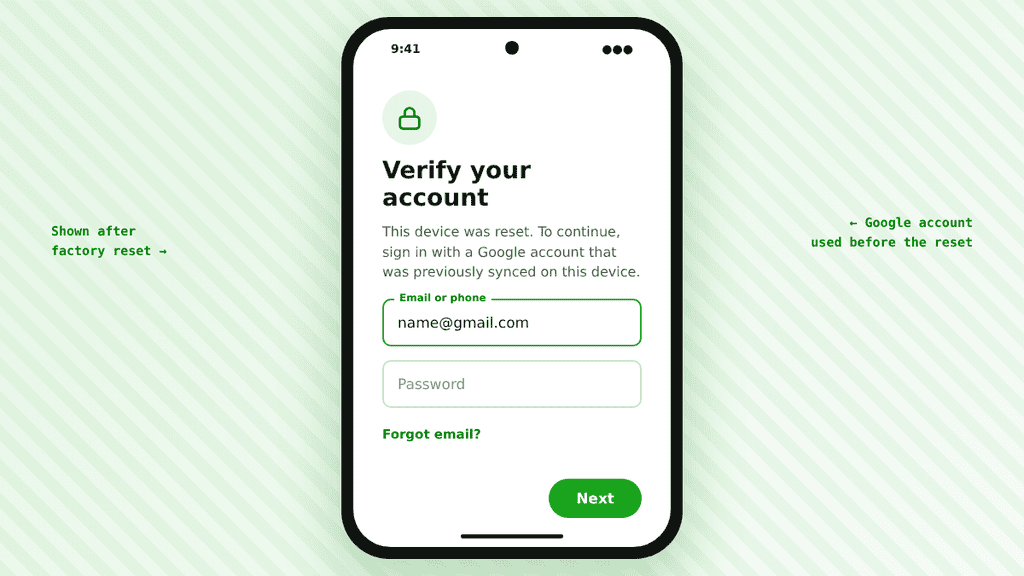
- On the “Verify your account” screen, tap the email field.
- Type the Google email that was on the phone before the reset.
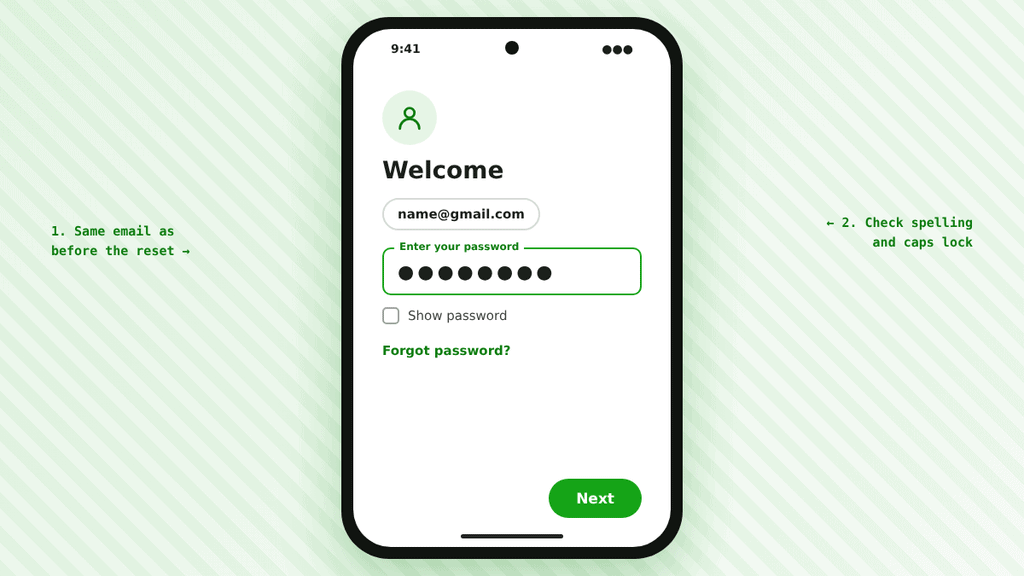
- Enter the password. If you use 2-step verification, approve the sign-in on your other device or use a backup code.
- Finish the setup. The lock is removed automatically.
Tip: Check the spelling carefully. Many people try a newer email and not the one that was actually on the phone.
Method 2: Recover the Google Account From Another Phone
If you forgot the password, you do not need a PC. Use any other phone or tablet.
- Open your browser and go to the Google account recovery page (accounts.google.com/signin/recovery).
- Enter the email you used on the locked Samsung.
- Follow the steps: confirm a code sent to your recovery phone or email, or answer the security questions.
- Set a new password.
- Go back to the locked Samsung and sign in with the new password.
Important: After a password reset, Google may temporarily limit sign-in on a new or reset device. This wait is often around 24 hours and can be longer in some cases. If the new password is rejected, wait and try again later instead of resetting it again and again.
Method 3: Use Samsung Service With Proof of Purchase
If you cannot recover the account (for example, the phone was bought second-hand and the old owner is gone), go to an authorized Samsung service center. Bring the phone, the purchase invoice or receipt, and your ID. Policies differ by country, but the service team can often verify ownership and help you.
Buying a used phone? Ask the seller to remove their Google account before you pay, and check that the phone reaches the home screen.
What About FRP Bypass APKs and Tricks?
You will see videos that claim to bypass FRP without a PC using an APK, a keyboard trick or a hidden setting. These methods depend on the Android version and security patch. On newer Samsung updates most of them no longer work, and unknown APK files can carry malware. We do not recommend them for normal users.
If you are a repair technician working on a customer’s phone with permission, read our FRP unlocker tool guide and the FRP file and register guide for the right way to handle it.
How to Avoid FRP Lock Next Time
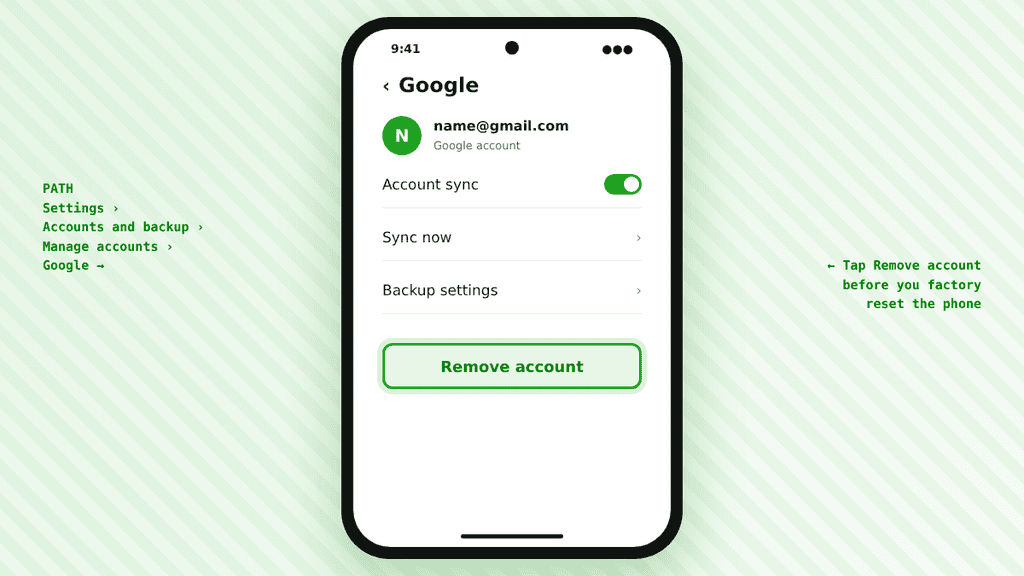
- Before a reset, go to Settings > Accounts and backup > Manage accounts and remove your Google account.
- Keep your recovery phone number and recovery email updated in your Google account.
- Save your Google account password in a password manager.
- Back up photos and contacts to Google or Samsung Cloud first.
Frequently Asked Questions
Can I bypass Samsung FRP without a PC?
Yes, if the phone is yours. Sign in with the Google account used before, or recover that account from another phone. You do not need a computer.
How long do I wait after resetting the Google password?
It is often about 24 hours, and sometimes longer. Try again after that time.
Does FRP apply to all Samsung Galaxy phones?
Yes. Every Galaxy phone running Android 5.1 or newer has Factory Reset Protection.
Conclusion
FRP can look scary, but for your own phone the fix is usually simple: use the last Google account, or recover it from another phone and wait if needed. If that fails, take your proof of purchase to Samsung service. Use this guide only for phones you own or have permission to repair.